
Gadgets / News
Logitech MX Keypad puts AI shortcuts on a developer's desk
MX Keypad was announced for development and AI workflows. The useful question is which actions deserve dedicated physical shortcuts.
Redação AnderZilla ·
Verified: · Announcement or event date:
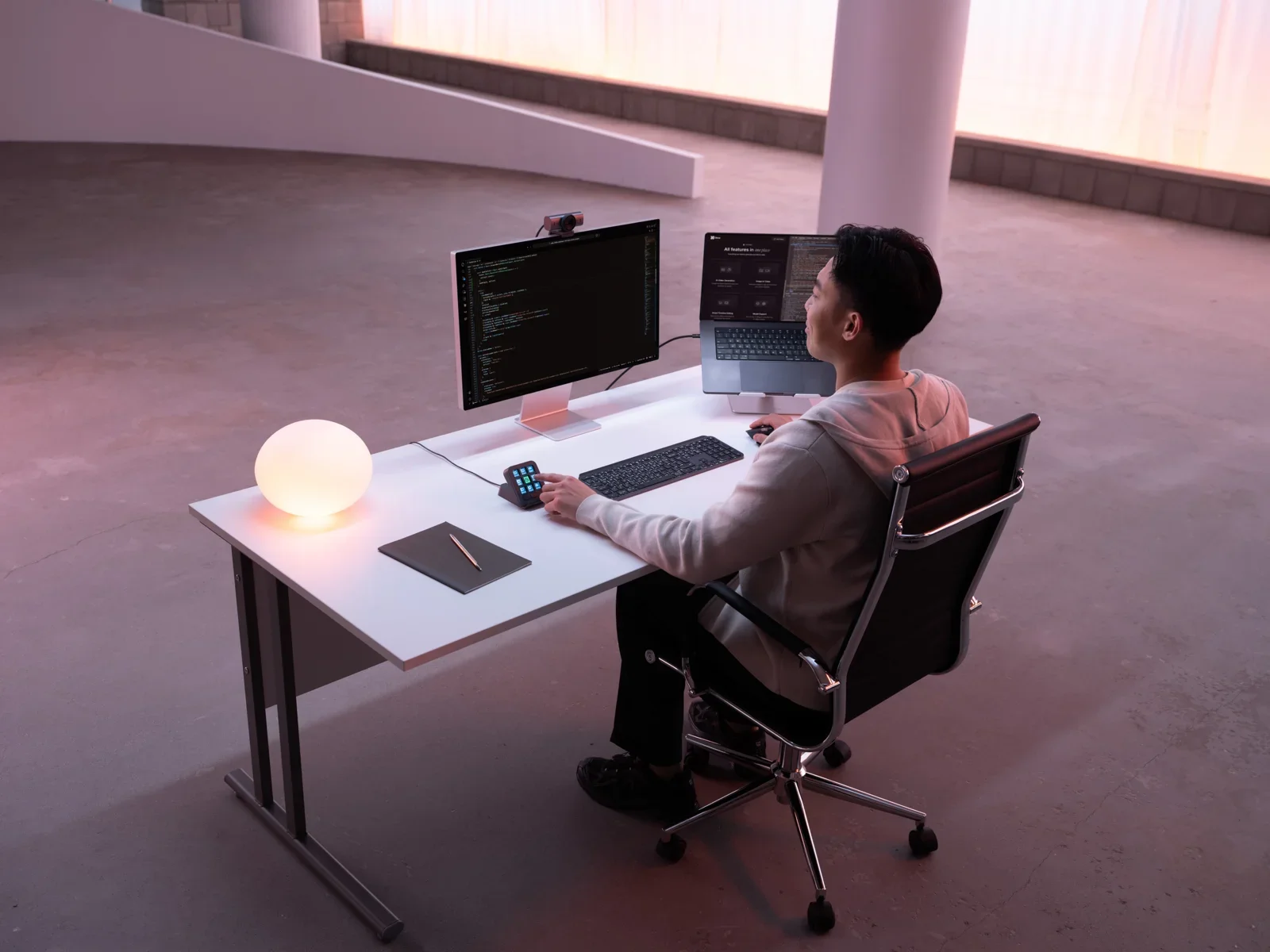
Logitech announced MX Keypad on September 8 as a customizable physical controller for development and AI tools. The statement names environments such as VS Code and tools including GitHub Copilot, alongside cross-application customization.
For a developer, extra buttons are not valuable by themselves. The opportunity is shortening a repeated sequence that interrupts concentration: opening a project, starting a known task, or monitoring an agent. A well-chosen action can be convenient; a collection of forgotten shortcuts becomes another menu.
Before deciding whether it fits your setup, list three frequent operations and compare them with shortcuts you already use. Consider profile maintenance when tools and commands change. A peripheral does not remove the need to review code or understand an automation's result.
We have not tested the product or measured productivity. Our take is to assess MX Keypad through a concrete workflow rather than a broad promise of faster programming. Check availability and promotional conditions in the purchase market. Which command would you put on a dedicated button first?
Source and context
Logitech. Topic date: 2026-09-08. Documentary reporting checked September 10, 2026; no hands-on testing or assumed local pricing or availability.